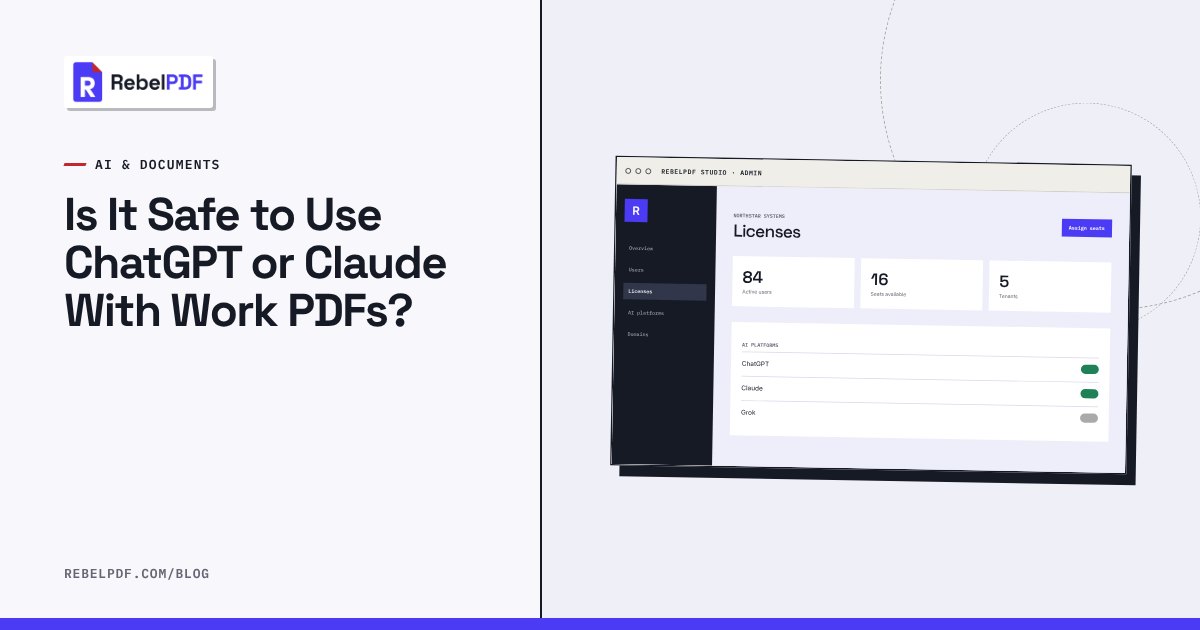
Quick answer: It can be, if your company stays in control. Use AI only with platforms your company has approved, send documents only when you actually ask a question, and keep highly sensitive files out unless your policy allows it. RebelPDF lets admins choose which AI platforms are allowed, or turn AI off, and only sends a document when a user asks.
Here is what is happening at a lot of companies right now. Someone has a long PDF. They copy a big chunk of it into a personal AI account to get a summary. It works great. But nobody knows where that data went or which tool was used.
The answer is not to ban AI. It is to use it with guardrails.
The real risks
- Unapproved tools. Personal accounts may not follow your company’s rules.
- Oversharing. Whole files get pasted when only one page was needed.
- No visibility. IT cannot see or manage what is being used.
A safer way to use AI with PDFs
- Pick approved platforms. In RebelPDF, admins choose which AI platforms people can connect, such as ChatGPT, Claude or Grok, or turn AI off.
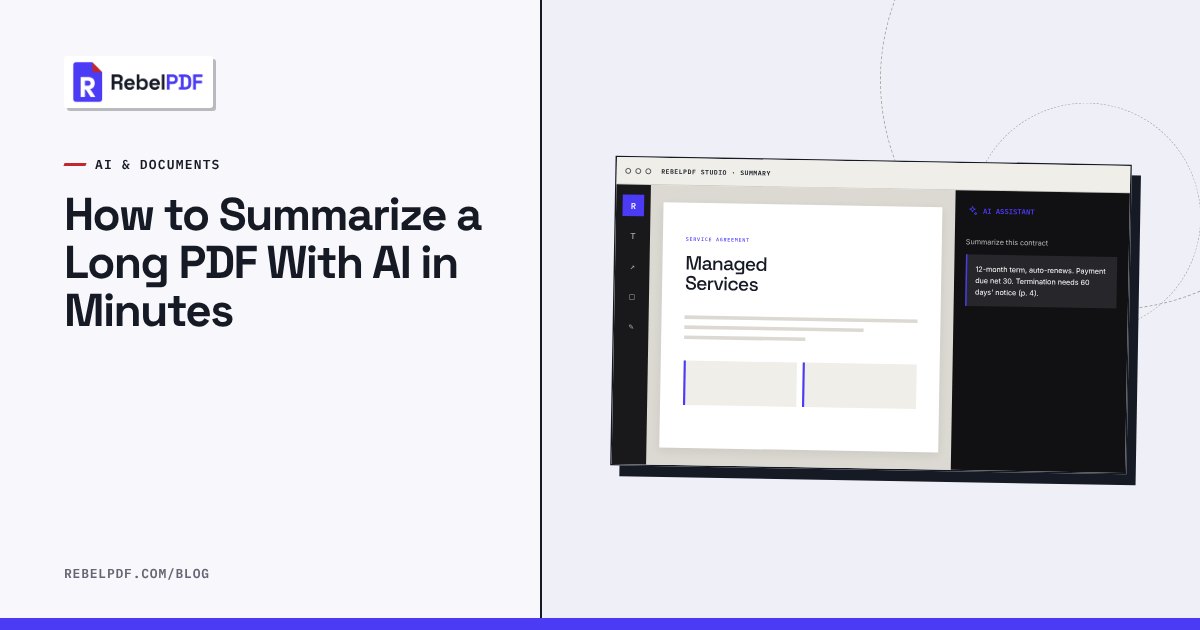
- Ask inside the document. Use the assistant built into your PDF app instead of copying text into another site. RebelPDF only sends a document to AI when someone asks a question.
- Set clear rules. Tell people which kinds of documents can be used with AI and which cannot.
Learn how RebelPDF handles AI on our security and AI privacy page.
Good habits for everyone
- Redact private details before using AI on a document.
- Ask about the part you need, not the whole file.
- Check AI answers against the actual page.
- Follow each AI platform’s own terms and your company policy. No policy yet? Start with our free AI document policy template.
For a deeper walkthrough, read our guide on using ChatGPT or Claude with PDFs securely.
The payoff
Done right, your team gets faster answers from long documents, and IT keeps control over which tools are used. That is better than hidden shortcuts or no AI at all.
Frequently asked questions
Yes. Admins can choose which AI platforms are allowed or turn AI off from the tenant admin console.
Only when a user asks the AI assistant a question.