PDF How-To
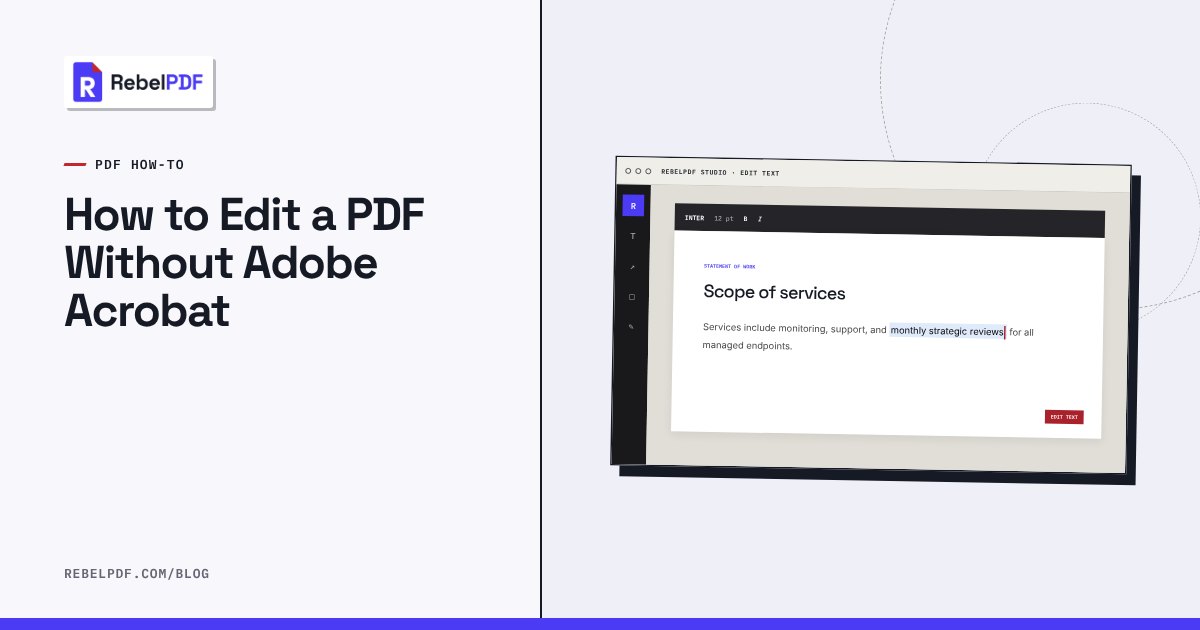
How to Edit a PDF Without Adobe Acrobat
You do not need Adobe Acrobat to fix a typo, swap a logo or move pages in a PDF. Here is a simple way…
Simple, step-by-step guides for editing, converting, combining, signing and sharing PDFs on Windows.
You do not need Adobe Acrobat to fix a typo, swap a logo or move pages in a PDF. Here is a simple way…
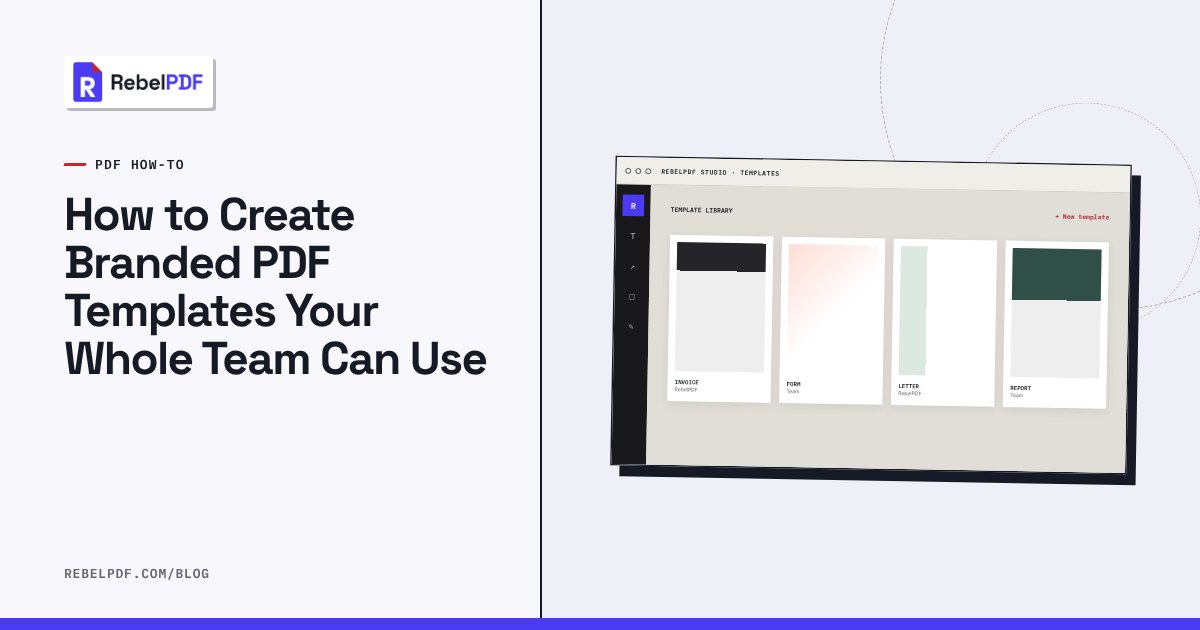
When everyone makes their own invoices and letters, your brand looks messy. Here is how to set up PDF templates with your fonts so…
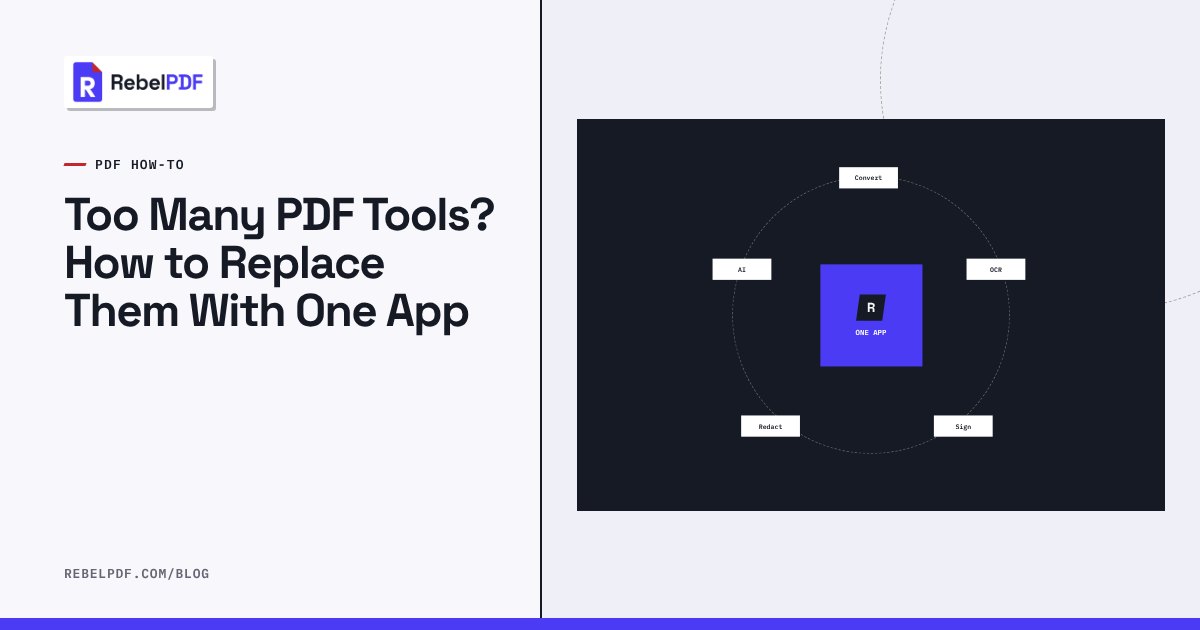
One app to edit, a website to convert, another tool to sign, a different one for AI. Here is how to replace a messy…
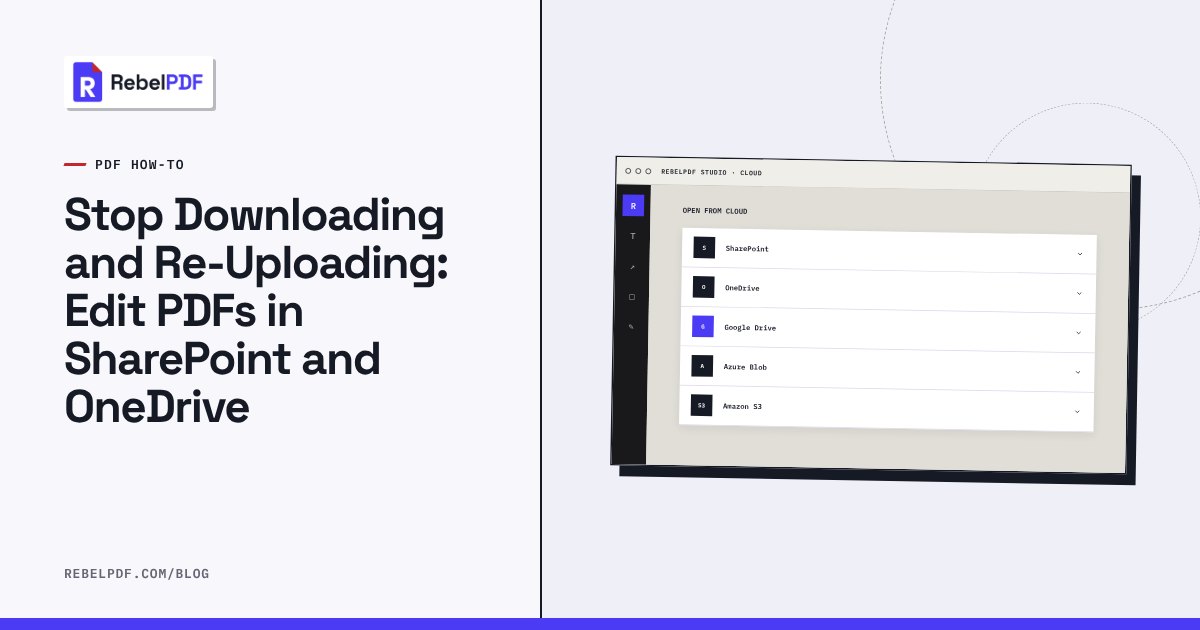
Download, edit, rename, re-upload, repeat. It is slow and it creates duplicate files. Here is how to open and save PDFs straight to SharePoint…
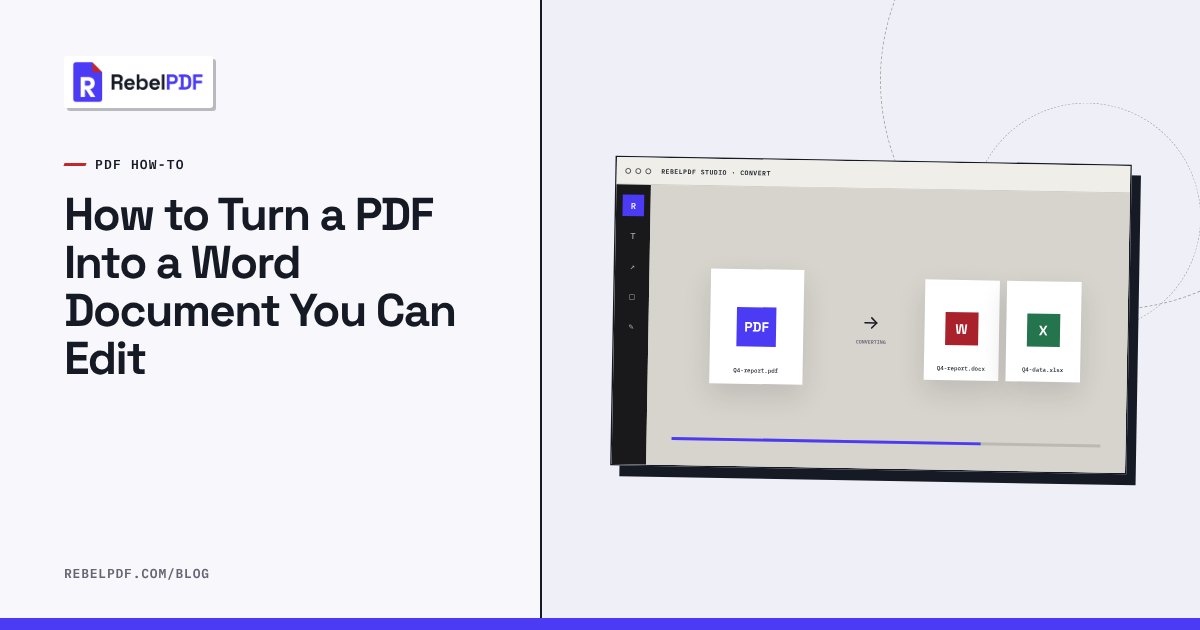
Lost the original Word file? Need to reuse a PDF's text? Here is how to convert a PDF to an editable Word document on…
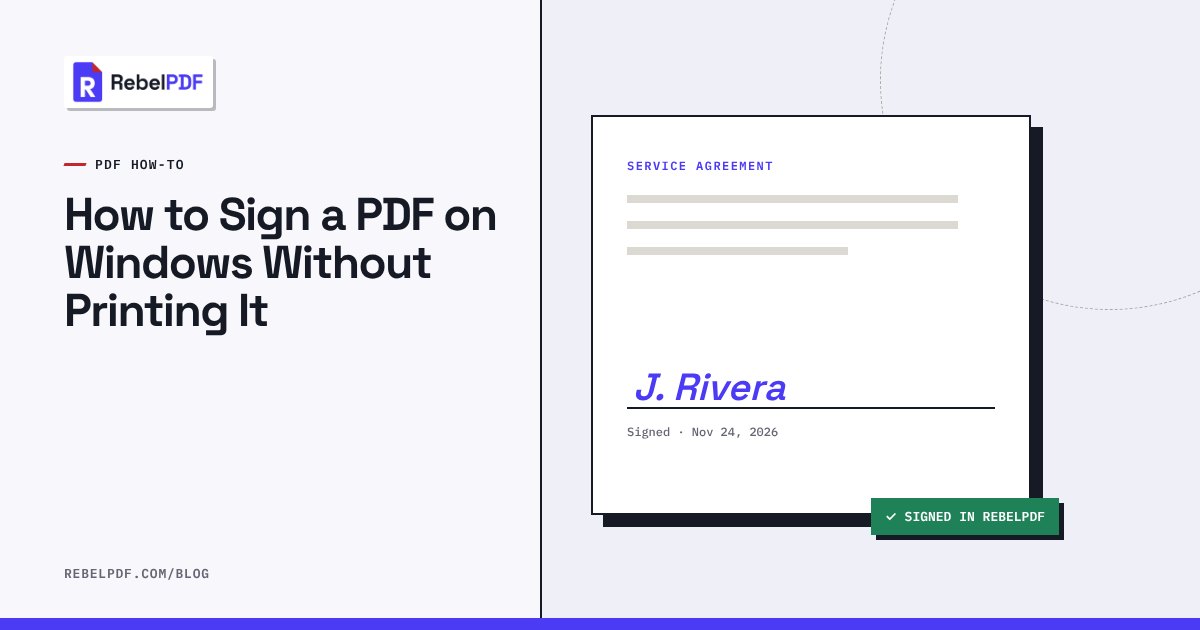
Print, sign, scan, email: there is a faster way. Here is how to sign a PDF on Windows in under a minute, and how…
"Attachment too large" is one of the most annoying messages at work. Here is why PDFs get so big and how to shrink them…
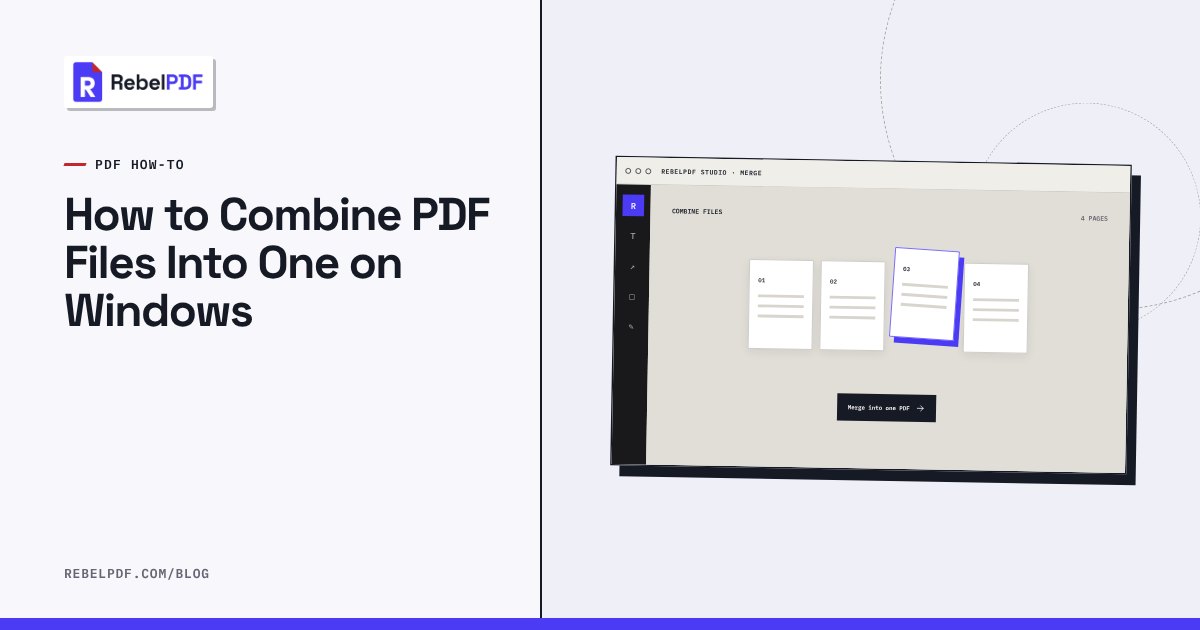
Sending five separate PDFs is messy. Here is how to combine PDF files into one clean document on Windows, put the pages in the…
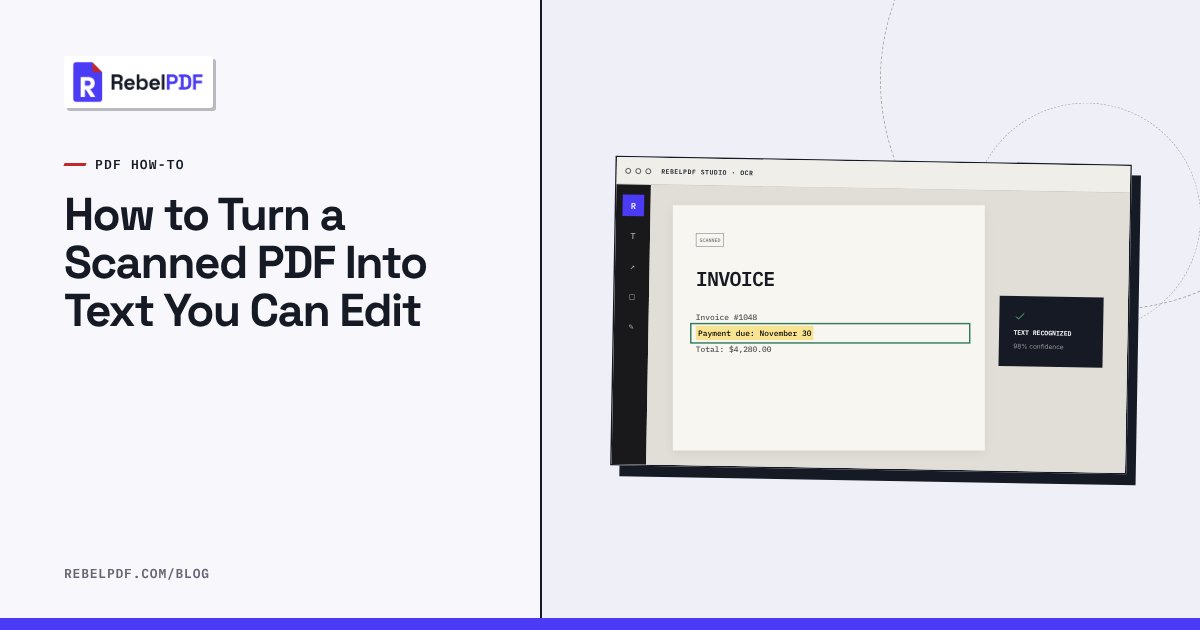
A scanned PDF is just a picture of text, so you cannot search, copy or edit it. OCR fixes that. Here is how to…
A PDF reader opens and marks up files. A PDF editor changes them. Here is the simple difference, and how to tell which one…
Tell us where to send your installer. Need Studio for a team or help with deployment? We'll get back to you quickly.