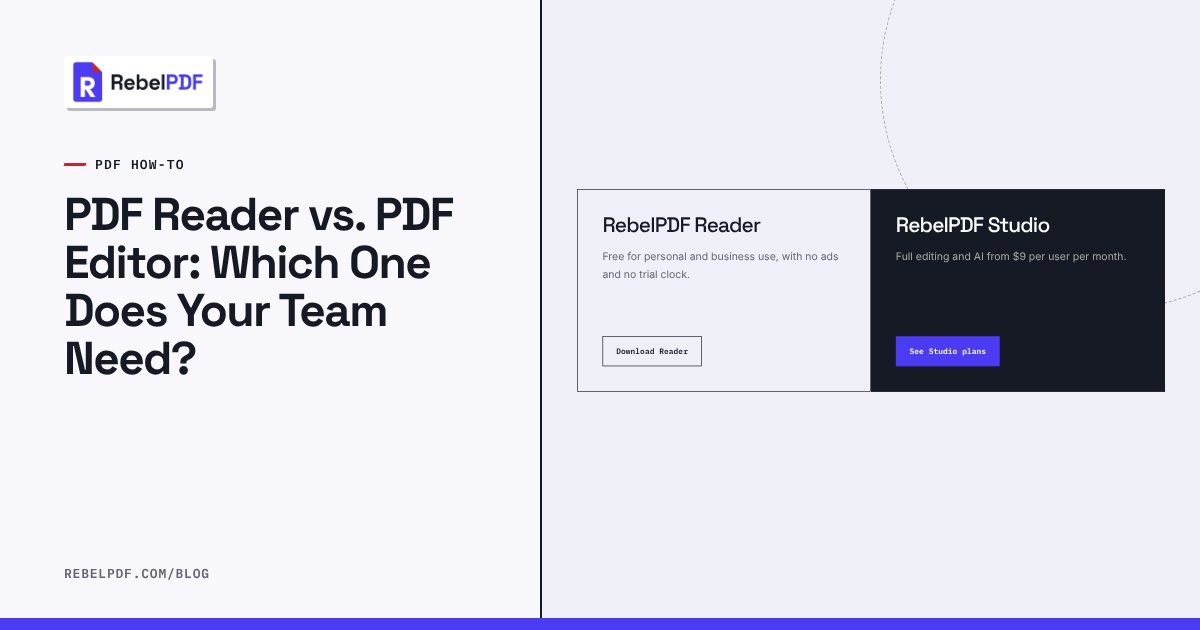
Quick answer: A PDF reader lets you open, search, highlight, comment on, fill in and print PDFs. A PDF editor lets you change what is on the page: edit text and images, convert files, run OCR, redact and more. Most people only need a reader. Give them RebelPDF Reader for free, and give editors RebelPDF Studio.
“Do I need a PDF editor?” It is a simple question, but the answer saves real money. Many teams buy editors for everyone when most people only read.
What a PDF reader does
A good reader covers everyday work:
- Open large PDFs fast and scroll smoothly
- Search for any word
- Highlight, underline and add sticky notes
- Fill in forms and add a signature
- Keep several PDFs open in tabs
RebelPDF Reader does all of this for free, for home and business.
What a PDF editor adds
An editor is for people who change documents:
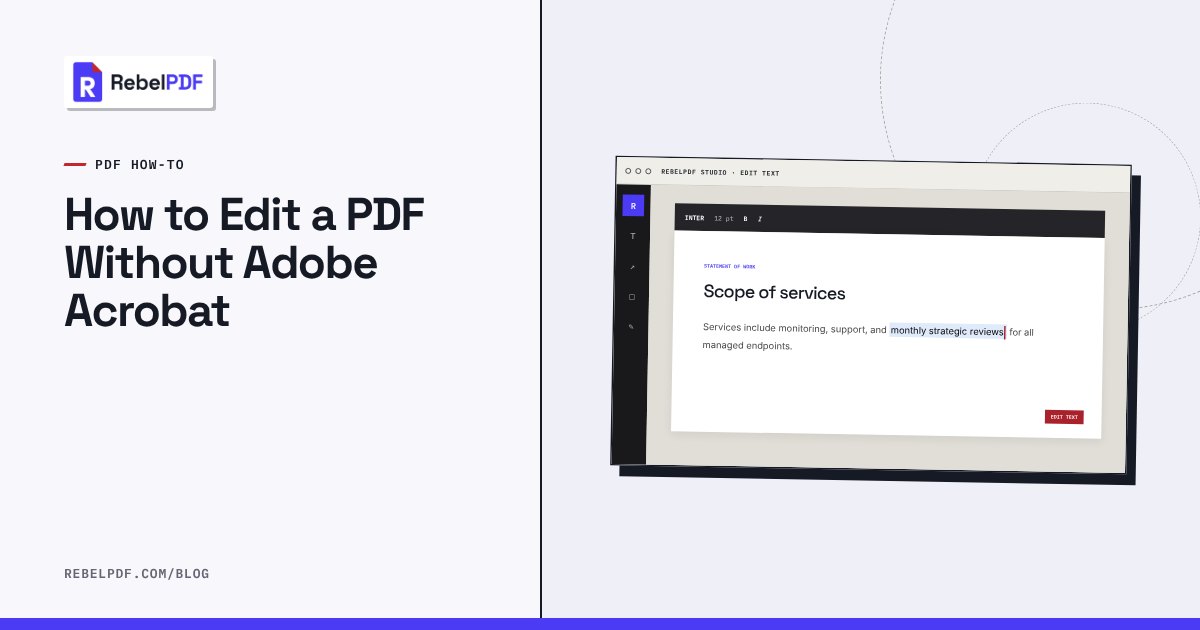
- Edit text and swap images on the page
- Add, delete, reorder and rotate pages
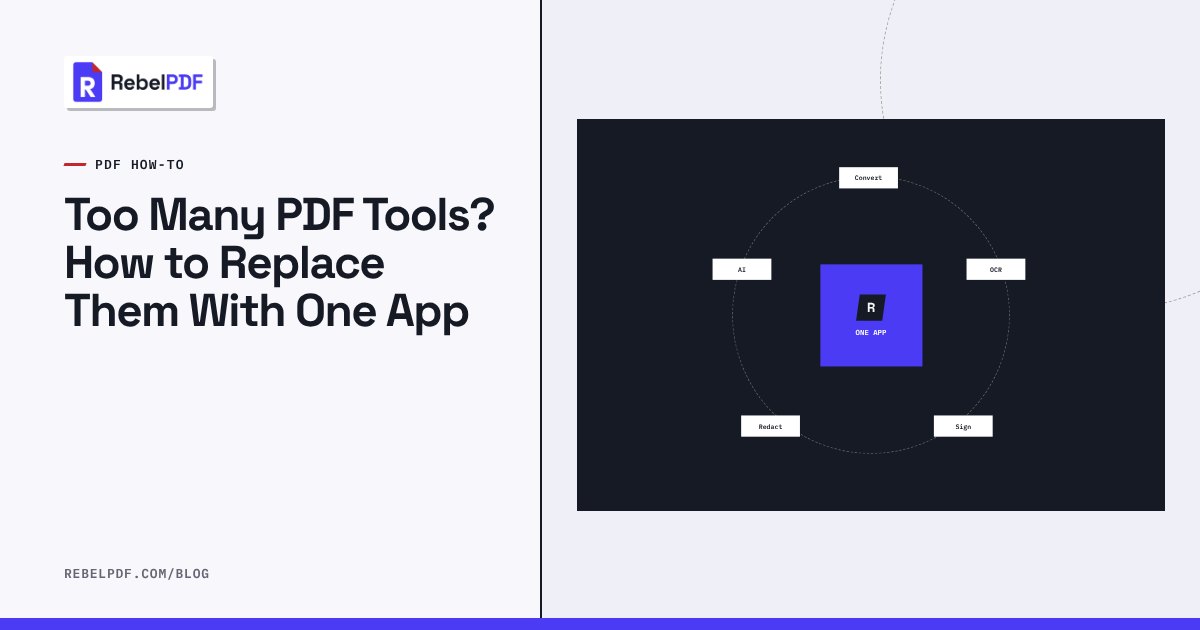
- Convert PDFs to Word, Excel or PowerPoint
- Merge, split and compress files
- Turn scans into real text with OCR
- Redact private information and request signatures
- Use an AI assistant to summarize or answer questions
RebelPDF Studio does all of this for $9 per user per month. See how it compares with other editors on our best PDF editors for Windows page.
A quick way to decide
| If the person… | They need |
|---|---|
| Reads, comments and signs | Reader (free) |
| Fills out forms | Reader (free) |
| Fixes text or replaces images | Studio |
| Converts PDFs to Word or Excel | Studio |
| Works with scans or private data | Studio |
The best part: same app
With RebelPDF, Reader and Studio are the same app. If someone needs to edit later, Studio unlocks without a new install. So you can start everyone on the free Reader and upgrade people one at a time.
Frequently asked questions
Yes. RebelPDF Reader lets you fill in form fields and add your signature, then save or print.
No. RebelPDF Studio unlocks in the same app.