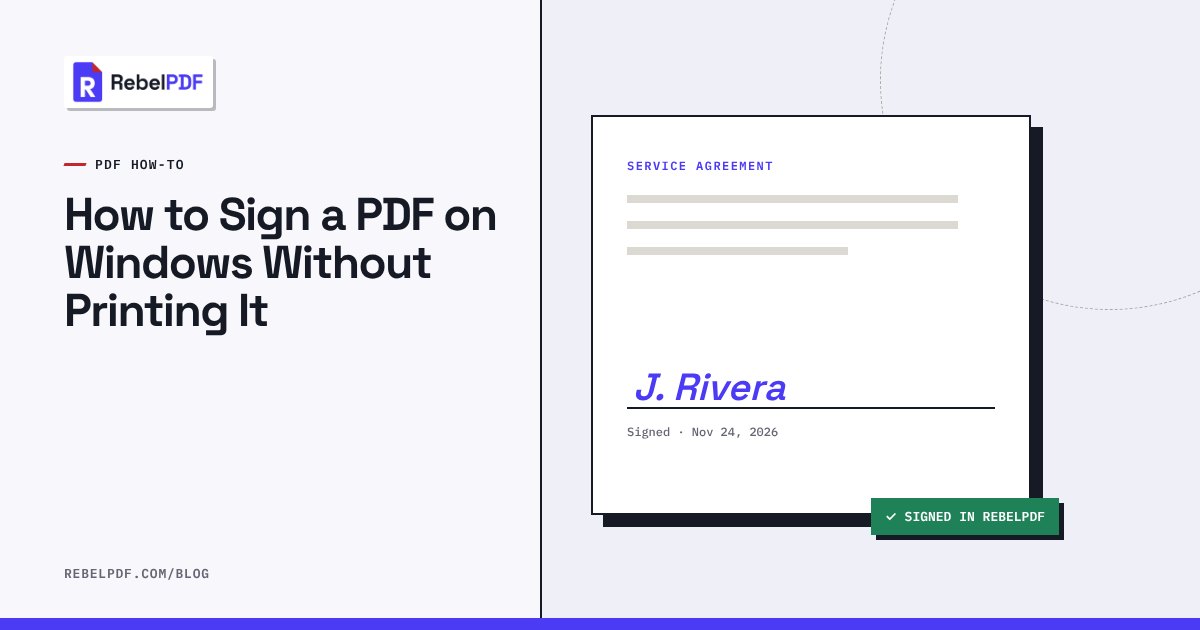
Quick answer: Open the PDF in RebelPDF, click where you need to sign, add your signature, and save. The free RebelPDF Reader lets you fill in forms and sign. RebelPDF Studio adds requesting signatures from other people.
Somebody emails you a form that “just needs a signature.” So you print it, find a pen, sign it, walk to the scanner, scan it, and email it back. Twenty minutes later, you are done, and the scan is crooked.
You can skip all of that, whether you sign one form a month or, like real estate teams, dozens a week.
How to sign a PDF in 3 steps
- Open the PDF in RebelPDF. The free Reader works for this.
- Add your signature. Click the signature field, or the spot where you need to sign, and place your signature. Fill in any other form fields while you are there.
- Save and send. Save the signed PDF and email it back. No printer needed.
See it step by step: how to sign a PDF on Windows.
Need someone else to sign?
If you send contracts, quotes or forms for others to sign, RebelPDF Studio lets you request signatures. That keeps the whole process inside one app instead of a separate e-signature tool.
Is an electronic signature legal?
In many places, yes, electronic signatures are widely accepted for everyday business documents. But some documents have special rules. If you are not sure, check with your legal team about what your documents need.
Tips for signing PDFs
- Read before you sign. Use search to find dates and amounts fast.
- Save a copy of everything you sign.
- Use clear file names, like Lease-Signed-2026.pdf.
Frequently asked questions
Yes. RebelPDF Reader is free and lets you fill in forms and add your signature.
Use RebelPDF Studio, which includes requesting signatures from other people.