Quick answer: Pick the MSI or Microsoft Store package, add it as an app in Microsoft Intune, assign it to a small pilot group, then roll it out to all devices. Deploy RebelPDF Reader free everywhere and assign RebelPDF Studio licenses only to editors, managed per tenant.
Nobody wants to walk desk to desk installing software. And nobody wants a rollout that breaks on Monday morning. A short checklist keeps it calm and predictable.
The Intune rollout checklist
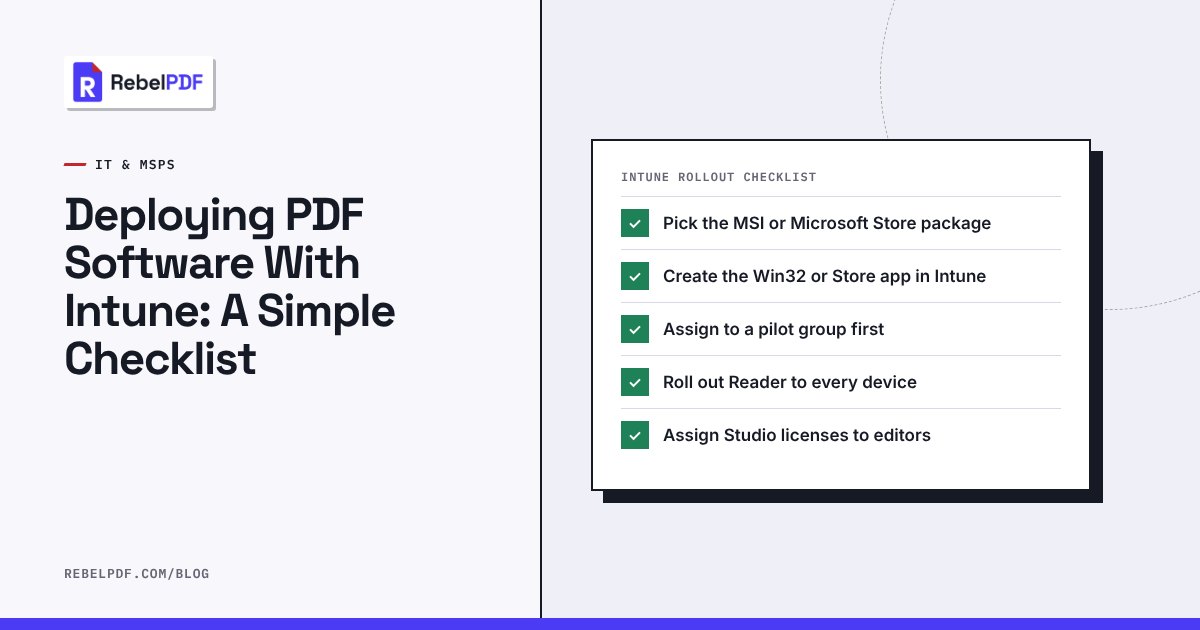
1. Choose your package
RebelPDF offers an MSI package and a Microsoft Store app. Pick the one that fits how you manage apps today.
2. Create the app in Intune
Add the app in the Intune admin center. Use a silent install so users are not interrupted.
3. Start with a pilot group
Assign the app to a small group first, such as IT and a few power users. Confirm it installs and opens PDFs as expected.
4. Roll out Reader to every device
Expand the assignment to all users or devices. RebelPDF Reader is free for business use, so there is nothing to count.
5. Assign Studio to editors
Give Studio licenses only to people who edit, convert, OCR, sign at scale or redact. Studio unlocks in the same app, so there is no second install.
Our guide how to deploy a PDF reader with Intune walks through each step.
Lock it down
- Single sign-on with Microsoft or Google
- Domain lock so only work accounts can sign in
- Tenant admin to assign, revoke and audit licenses
- AI controls to pick allowed AI platforms or turn AI off
- 30-day offline grace for laptops that travel
Managing many tenants?
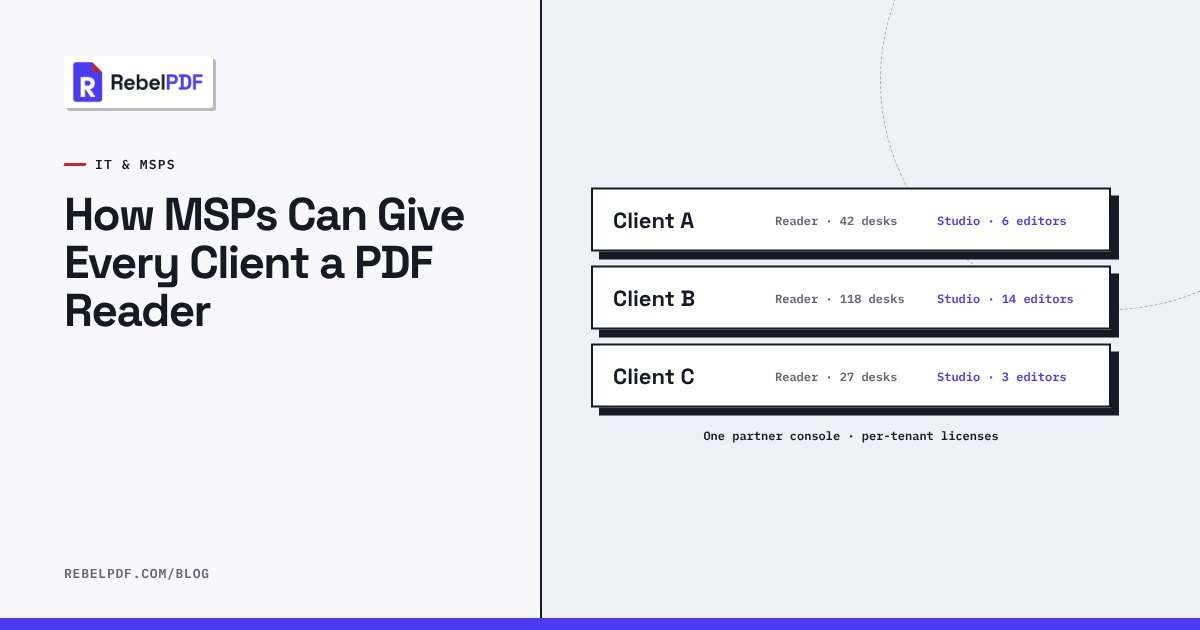
If you are an MSP doing this for multiple clients, see how RebelPDF handles per-tenant licensing and MSP billing.
Frequently asked questions
Yes. RebelPDF installs silently through Microsoft Intune, the Microsoft Store or any RMM tool.
No. Studio unlocks in the same app once a user has a Studio license.
Studio keeps working for 30 days offline before it needs to check in.