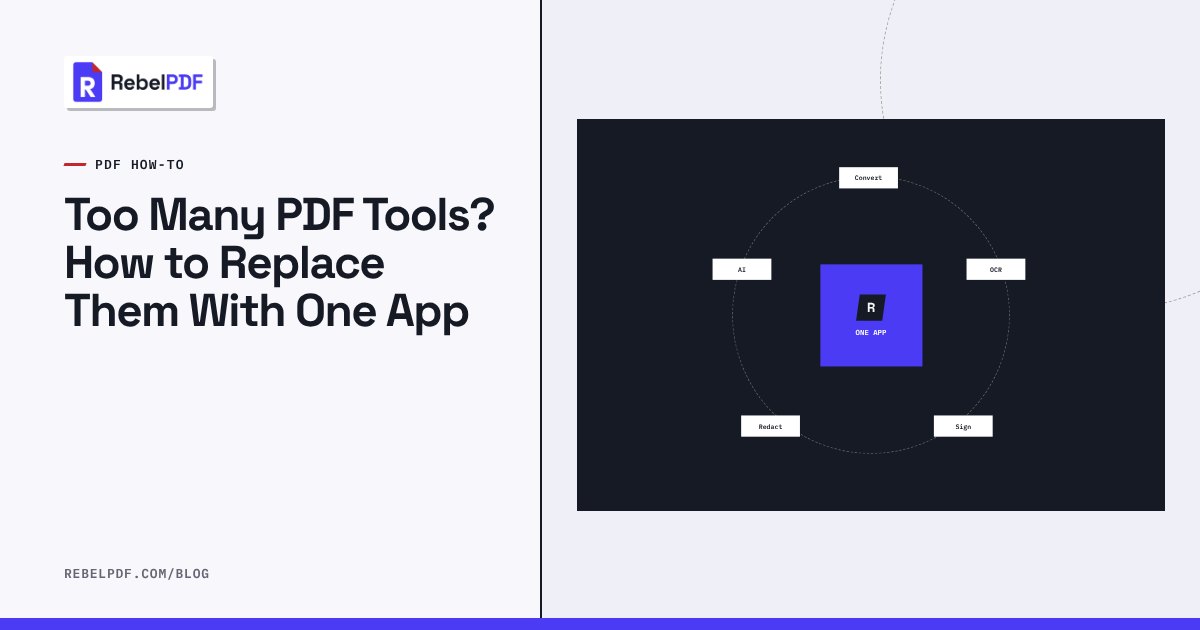
Quick answer: Use an all-in-one PDF app. RebelPDF Studio handles editing, converting, merging, splitting, compressing, OCR, e-signatures, redaction, templates, cloud storage and an AI assistant in one Windows app for $9 per user per month. Give non-editors the free RebelPDF Reader.
Count the PDF tools your team uses. A reader. An editor. A “free” converter website. A separate e-signature service. An AI chatbot in another tab. Maybe a compressor someone found online.
Every extra tool means another login, another bill, another place for files to leak, and another thing to train people on.
The hidden cost of tool sprawl
- More subscriptions to track and pay for
- Files uploaded to sites your IT team never approved
- Time lost moving a document from tool to tool
- Confusion about which tool to use for what
What one app should cover
| Task | In RebelPDF Studio? |
|---|---|
| Edit text, images and pages | Yes |
| Convert to Word, Excel, PowerPoint | Yes |
| Merge, split and compress | Yes |
| OCR scanned documents | Yes |
| E-sign and request signatures | Yes |
| Permanent redaction | Yes |
| Templates and custom fonts | Yes |
| Cloud storage (SharePoint, OneDrive, Google Drive and more) | Yes |
| AI assistant (ChatGPT, Claude, Grok and more) | Yes |
Browse everything on the RebelPDF features page.
How to consolidate in 3 steps
- List your current tools and what each one is used for.
- Move editors to RebelPDF Studio and give everyone else the free Reader.
- Cancel the extras as their renewals come up.
The result
One app to learn. One place for documents. One simple bill. Your team spends less time hunting for tools and more time getting work done.
Frequently asked questions
Yes. RebelPDF Studio edits, converts, merges, splits, compresses, runs OCR, signs, redacts and includes an AI assistant in one Windows app.
Studio Business is $9 per user per month. Studio Enterprise is $15 per user per month. Reader is free.